LoudCrowd Builds Leading Marketing Social CRM, Adds Robust Notes Functionality
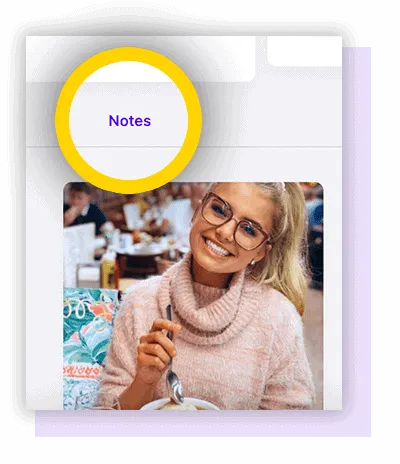
Starting today, LoudCrowd clients will see two big new changes. The ‘Customers’ tab will be relabeled based on its intended use, Marketing Social CRM, building on the current CRM functionality within your LoudCrowd. As the most robust Marketing Social CRM, we are also releasing the new ‘Notes’ product feature as we continue to add functionality to the existing LoudCrowd platform.
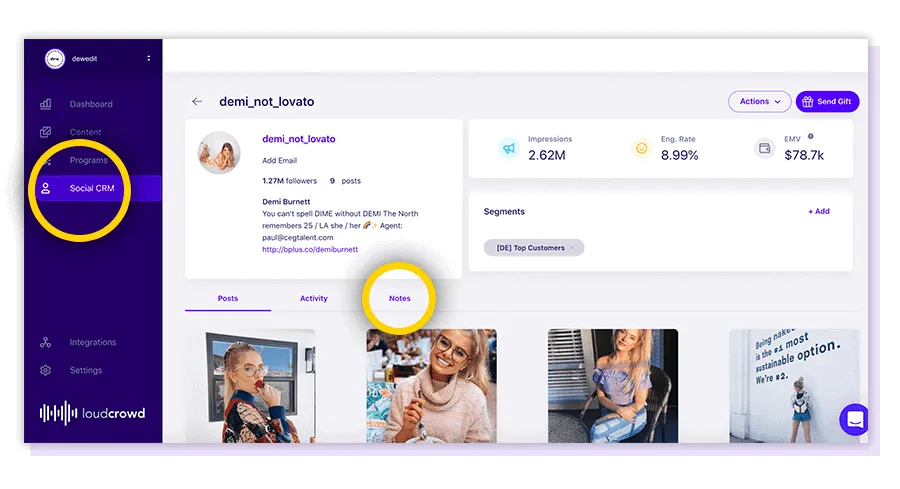
The LoudCrowd industry-leading Instagram profile management and Marketing Social CRM functionality includes:
- Profiles of everyone who has engaged the brand through Instagram
- All content created, mentioning or tagging the brand
- The creator’s follower count and engagement rate
- Profile information, including bio and # of posts
- Gifting functionality, through LoudCrowd
- Several ways to segment, organize, and label customers/creators
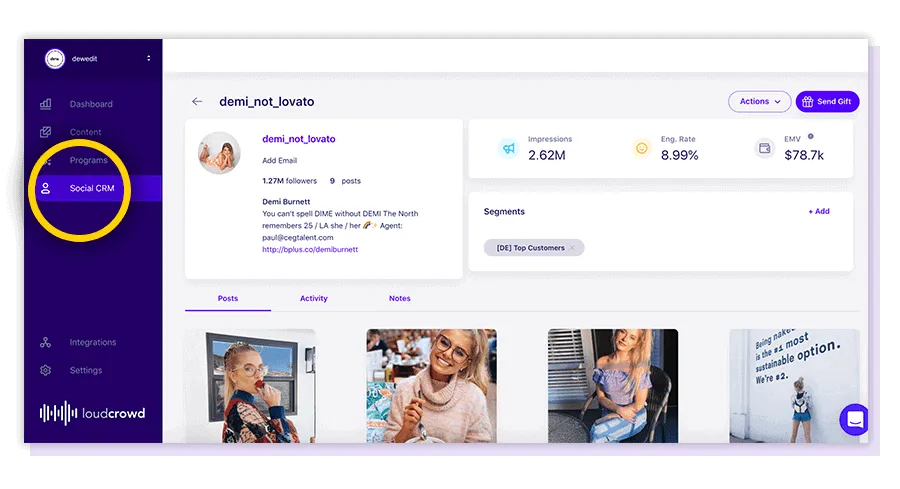
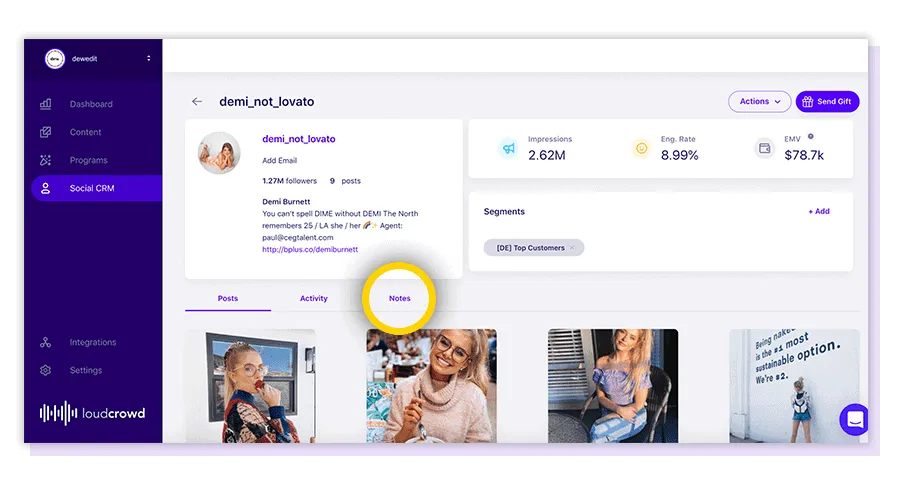
Now we are extending our CRM abilities, adding our new ‘Notes’ product which will allow social and community managers to add and search notes.
The new Notes feature gives users the ability to add additional information to individual customers, creators, micro influencers, and brand ambassadors based on interactions and activities. Users can then easily search for notes and find quickly identify past customers based on notes. We believe this functionality will be a significant step towards community managers eliminating spreadsheets and operating out of a single platform to manage their Instagram community.
How to Leverage LoudCrowd Notes
Manage your Community – Add any contextual detail to a member of your Instagram community
Save Interactions – Never forget an interaction again by documenting all the important details
Store Campaign Participation – Quickly identify who participated in a campaign with segments and notes
Search for Activities – Search for users with text notes and quickly identify categories of your community
Eliminate Spreadsheets – Organize your efforts and consolidate into one platform, removing the need for spreadsheets documenting user relationships